



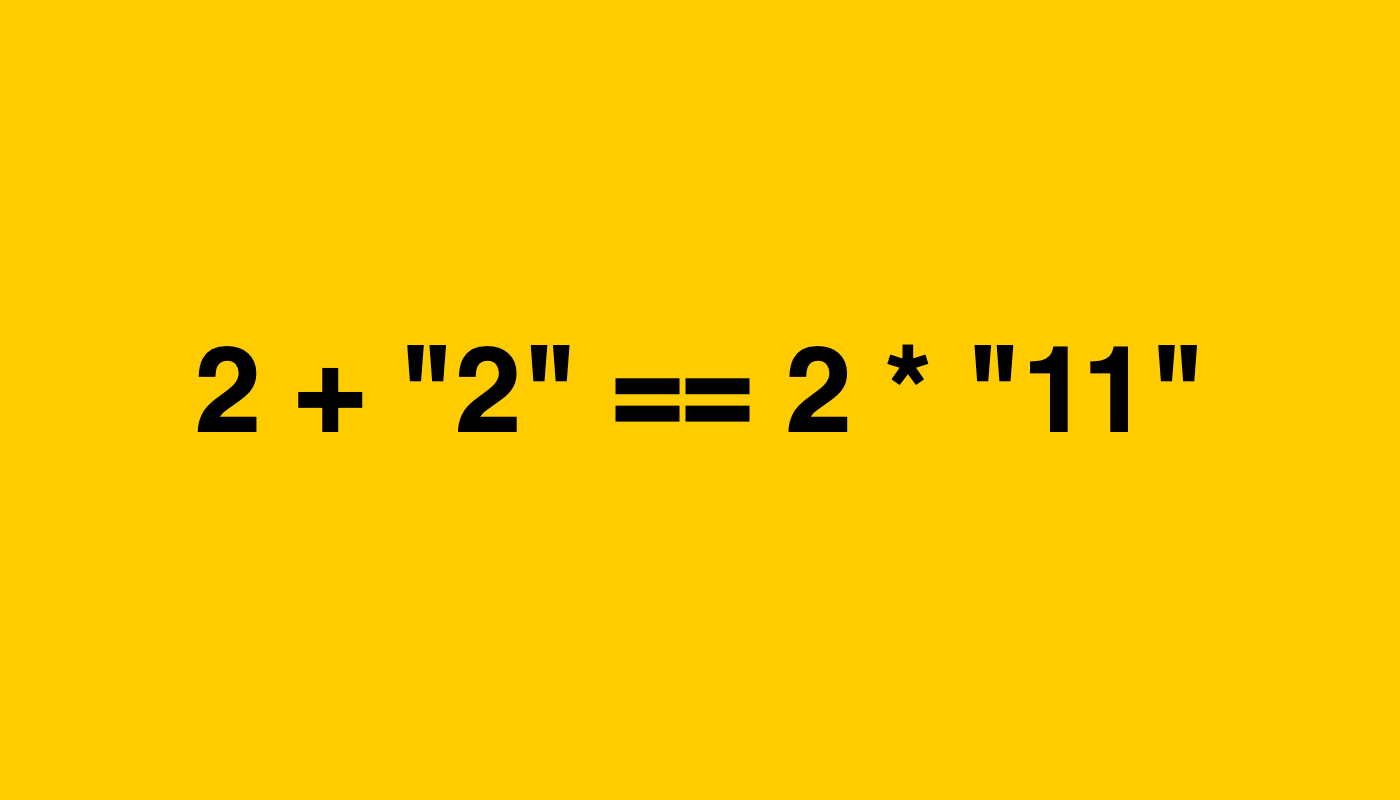
An example of an expression that returns true in JavaScript. Here, 2 + "2" becomes "22", and 2 * "11" becomes 22. In the end, "22" == 22 returns true. 🙂 I sometimes see people say that programming languages like JavaScript, PHP, and Perl do not have types. Well, that’s simply not true. Yes, these languages do not enforce types at compile time. They are also not very strict about what you can do with those types. But they still have type systems. Every value has a type during execution. I think that if we define a type as “a classification of a value that determines how it can be used and how it behaves in operations,” then we can also say that it has types. Which means almost all of the mainstream programming languages you have heard of are already typed! JavaScript already supports types like strings, lists, numbers, and so on.
Posts Tagged: Javascript
This essay presents a list of reflections on my attempts to create a simple workflow for building front-end applications using vanilla JavaScript. I first discuss what it was like to code when I first started programming and the things that I enjoyed about it. Then I walk through several approaches I tried in the pursuit of simplicity and also share the problems I ran into meanwhile. Later, I show how we can make use of libraries such as Hyperscript and Snabbdom to resolve those issues without giving up on our simplicity ideals.
Up until now, I was not aware that concurrency and parallelism were actually different things since they are often used interchangeably by some. I just learned that this is not the case while reading Chapter 9 of the book “Clojure for the Brave and True.” This made me want to learn more about concepts related to concurrency and parallelism, especially concerning the programming language I know best: JavaScript. So this essay is basically a collection of notes I made during this learning process.
ℹ️ Disclaimer This post was written when Mark Scroll Positions was first built. Since then, it has been modernized by a lot, and the application does not look as it’s been showcased in here. Still, the ideas here should remain useful for building an intuition about how it works. Try the extension in Chrome or in Firefox See the source code kugurerdem/mark-scroll-positions I like reading blog posts a lot. While some of them are short and easy to read, most of them are long and require more time to finish. When reading those long essays, I take a break most of the time. Thus, when I re-open an essay, I often lose the original place where I was reading. And if I can remember where I was, then I manually scroll back there. This makes the reading experience less smooth and more time-consuming.